Français
  English
  العربية
  简体中文
简体中文  香港中文
香港中文 

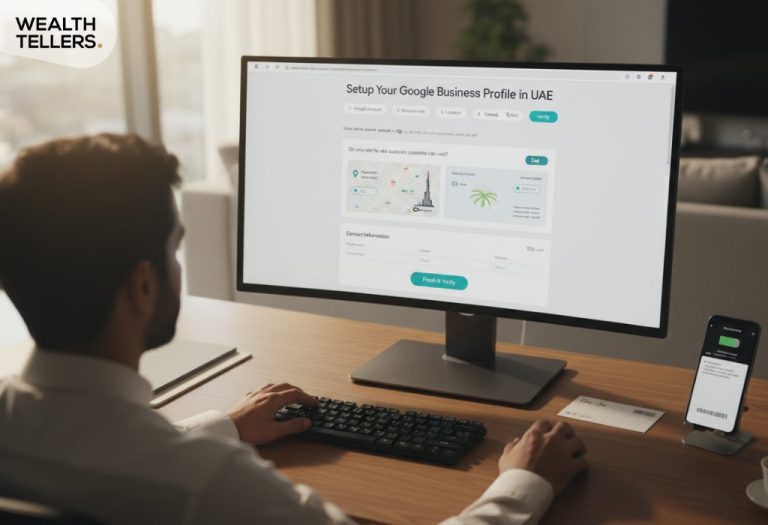
Setting up a strong online presence is essential when you launch a company in the UAE, and one of the best ways to establish that presence is to set up Google Business Profile in UAE. This free tool lets you manage how your business details appear in search results, helping you attract customers and stand out in a competitive marketplace.
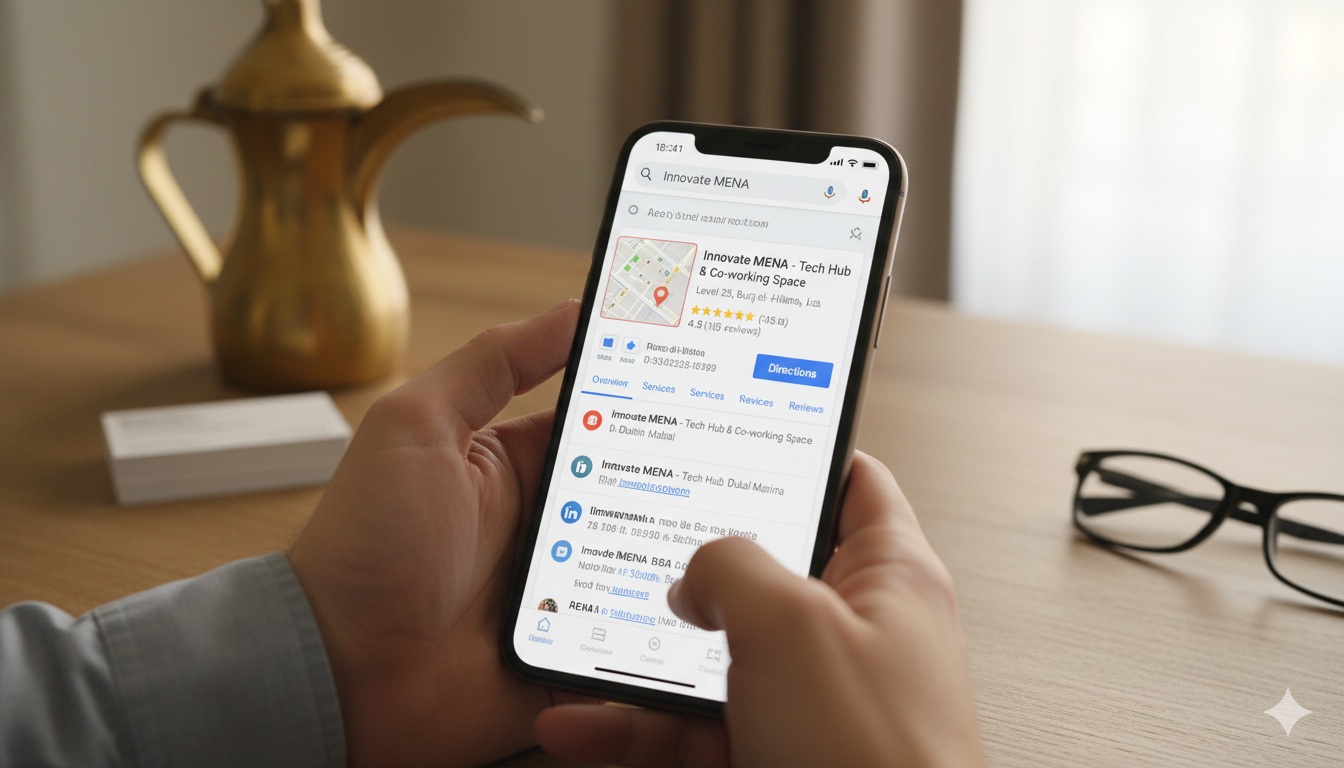
Gather Key Business Details
Before creating your Google Business Profile, prepare the essential information that your audience will look for. Accuracy here helps you avoid confusion and ensures your listing appears in the right local searches.
Quick checklist before you create your profile
- ✓Business name: match your real-world branding (signage/website) to avoid edits later.
- ✓Address: confirm the exact format you want customers to see (including building/office details).
- ✓Phone: choose the main number you can reliably answer during working hours.
- ✓Website URL: use the most relevant page for new leads (home or a focused landing page).
- ✓Hours: set realistic hours so customers don’t show up when you’re closed.
Tip: Decide who will own access (you, a manager, or an agency) so you don’t lose control of the listing later.
- Business name as you’d like it to appear.
- Physical address even if you operate from a serviced office or co-working space.
- Main phone number where prospects can reach you.
- Website URL and any relevant landing pages.
Business details to prepare before sign-up
| Detail | What to enter | Why it matters |
|---|---|---|
| Business name | Use the name customers recognize (same as website and branding) | Reduces edits, improves trust, and keeps your listing consistent |
| Address | Full location details (building, office, area, emirate) | Helps you appear in the right “near me” searches and map results |
| Phone number | Primary number you actively answer | Improves contact rate and lowers missed leads |
| Website / landing page | Your most relevant page for new inquiries | Turns profile views into calls, messages, and conversions |
| Business hours | Hours you can consistently support | Avoids bad experiences and negative reviews |
If you’re still figuring out your company’s structure or location, you might explore how to setup a business in the uae for a step-by-step guide on the licensing process.
Create Your Google Account
You’ll need a Google account to manage your Profile. If you already have one, great. If not, create a new account dedicated to your business to keep personal and work information separate.
Account setup tips (so you don’t lose access later)
Use a business-owned email (not a personal one)
Turn on 2-step verification and store recovery details
Add managers (but keep the main owner account private)
- Visit Google’s sign-up page and register with your company’s email address.
- Secure the account with a strong password, and enable two-factor authentication for added safety.
- Keep track of your login details in a secure place so you can quickly manage your listing whenever necessary.
Verify Your Business
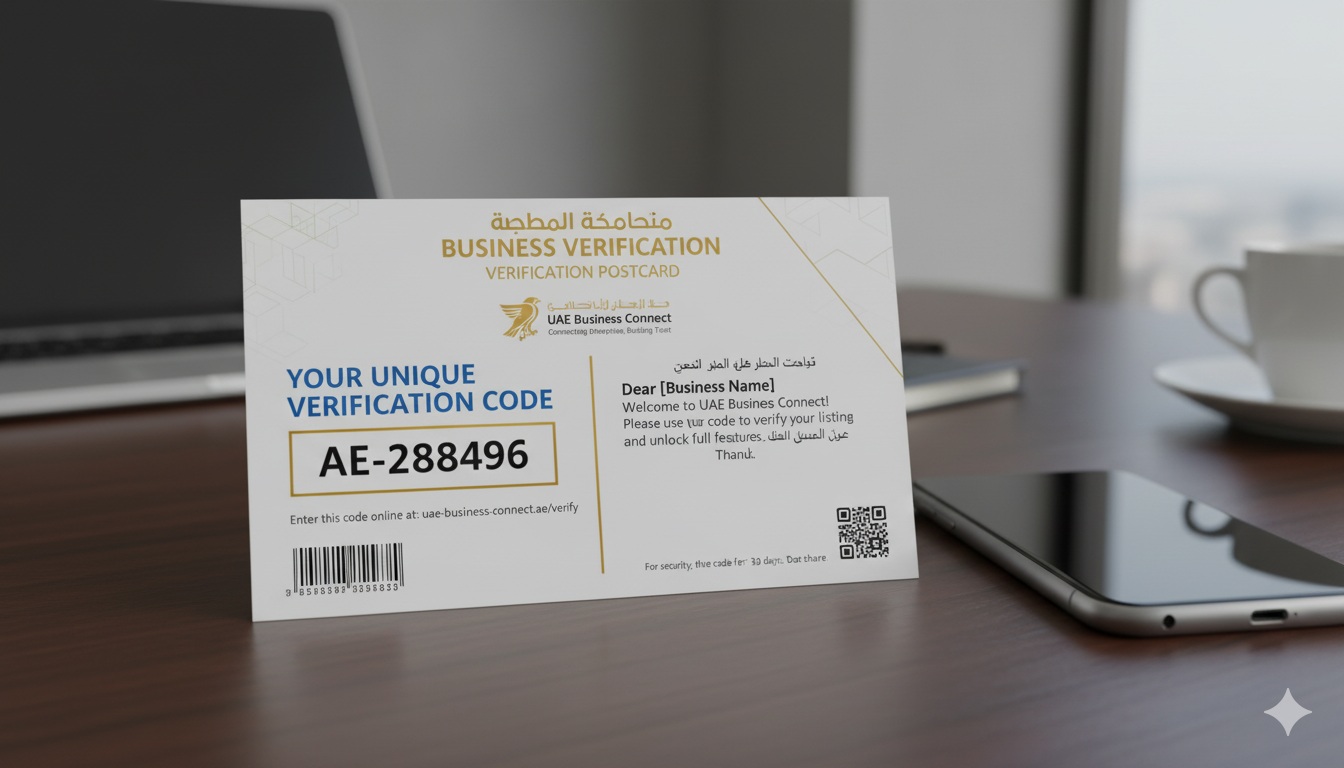
Once your profile is set up with your address and phone number, Google will ask you to verify ownership. You typically receive a verification code by postcard, phone call, or email. The postcard method can take a couple of weeks, so plan accordingly if you’re on a strict timeline.
Verification flow (simple view)
Use this as a quick sequence so nothing gets missed after you request verification.
Submit your profile details (name, category, address/phone).
Choose a verification method available to your listing (postcard/phone/email).
Enter the code in your dashboard as soon as you receive it.
After verification: add categories, photos, hours, and your first post/update.
- Add the verification code in your Google Business dashboard.
- Double-check your address, as errors can delay or prevent successful verification.
- If you need a local address but haven’t secured one yet, learn about office-free solutions by checking business without an office in the uae.
Optimize Your Profile
After verification, take time to enhance your listing so potential customers get a clear sense of what you offer.
Profile optimization checklist (what to do after verification)
| Action | What to add | Result |
|---|---|---|
| Categories | Main category + a few accurate secondary categories | Better match for relevant searches |
| Photos | Office/store/team, logo, cover photo | Higher trust and more profile engagement |
| Business description | Clear services, service areas, and what makes you different | More confident customer decisions |
| Posts/updates | Hours updates, offers, announcements | Signals the listing is active |
| Q&A | Answer common questions quickly | Fewer missed leads and better conversions |
Tailor Your Business Categories
Choose a main category that best describes your business, then add secondary categories if needed. For instance, if you operate a digital consulting firm, you might pick “Marketing Agency” or relate it to local SEO services. Fine-tuning these categories increases your visibility in relevant search results.
Add Photos And Updates
Upload crisp photos of your office, store, or team. Visuals give your listing personality and reassure customers you’re a credible operation. You can also post updates about business hours, promotions, or milestones.

Encourage Reviews
Invite satisfied clients to leave reviews. Genuine testimonials build trust and signal to Google that your listing is active. Be sure to respond to each review positive and negative to show you value feedback.
Quick quiz: Google Business Profile setup
Answer these to confirm you’re ready to set up, verify, and optimize your listing.
Book ConsultationMaintain Accurate Information
Once you set up Google Business Profile in UAE, the work doesn’t end. Keep your business hours, address, and phone number accurate. Post new photos, announce promotions, and respond to questions in the Q&A section. Consistent updates show customers you’re active and reliable.
Simple maintenance routine (so your listing stays strong)
WWeekly
Reply to new reviews and Q&A, and confirm your hours are correct (especially around holidays).
MMonthly
Upload new photos, publish an update/post, and check categories/services for accuracy.
QQuarterly
Review your phone number, website link, and address format to ensure nothing changed.
AAlways
If you move locations or change hours, update the profile immediately to avoid negative experiences.
If you’re exploring ways to boost your online presence further, consider diving into digital marketing strategies for startups or learning about local regulations in cost to setup freezone company in uae if you plan to expand.
Key Takeaways
- Prepare your basic business details to ensure a seamless sign-up.
- Verify your listing right away so you can manage your profile fully.
- Optimize your Google Business Profile with relevant categories, photos, and updates.
- Keep your contact information accurate to build trust and attract local customers.
- Combine this approach with broader business setup tips, such as business setup in uae, to create a holistic launch strategy.
A well-rounded Google Business Profile can be a powerful tool for reaching new customers and strengthening your brand’s credibility. By verifying, optimizing, and regularly updating your listing, you set the stage for sustained growth in the UAE’s vibrant market.
Need help setting up your Google Business Profile in the UAE?
We can guide you on the right details, verification, and optimization steps so your listing starts attracting local customers.